
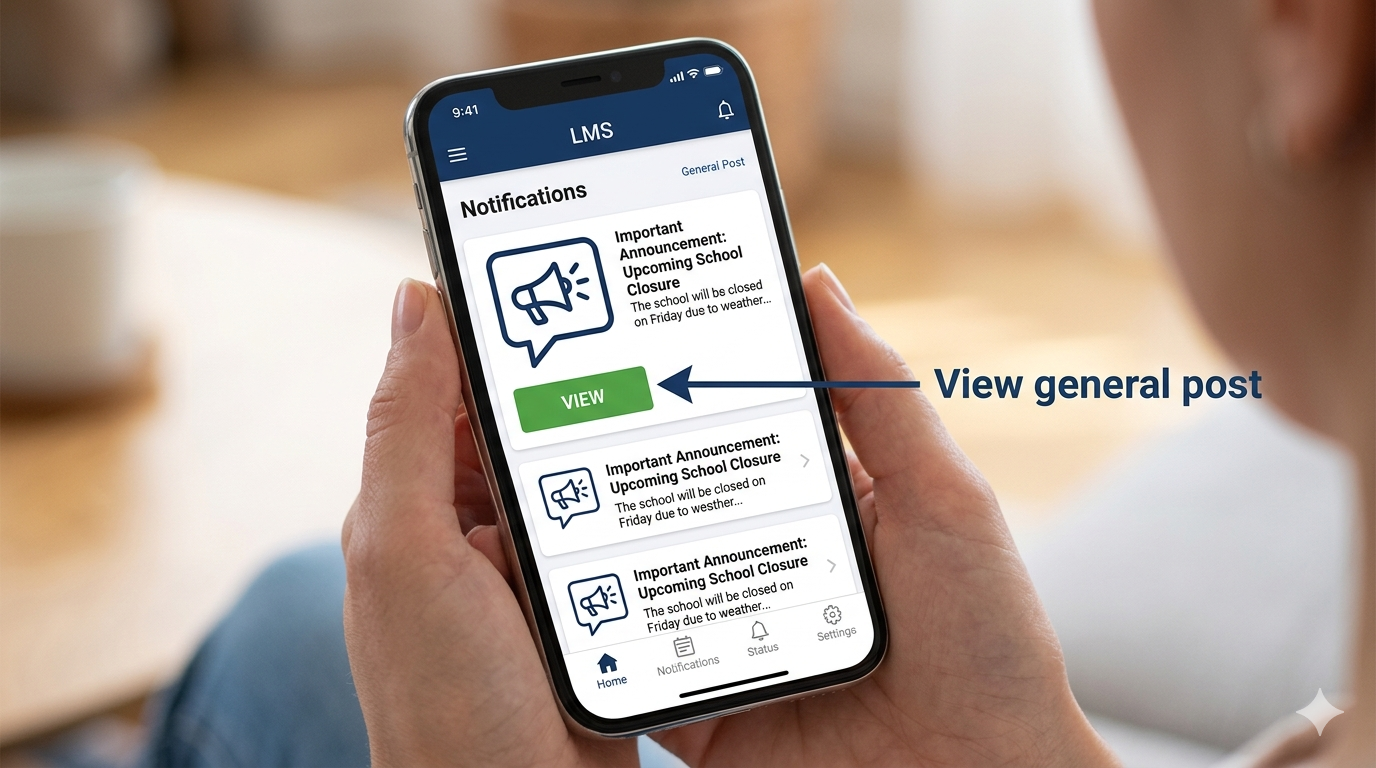
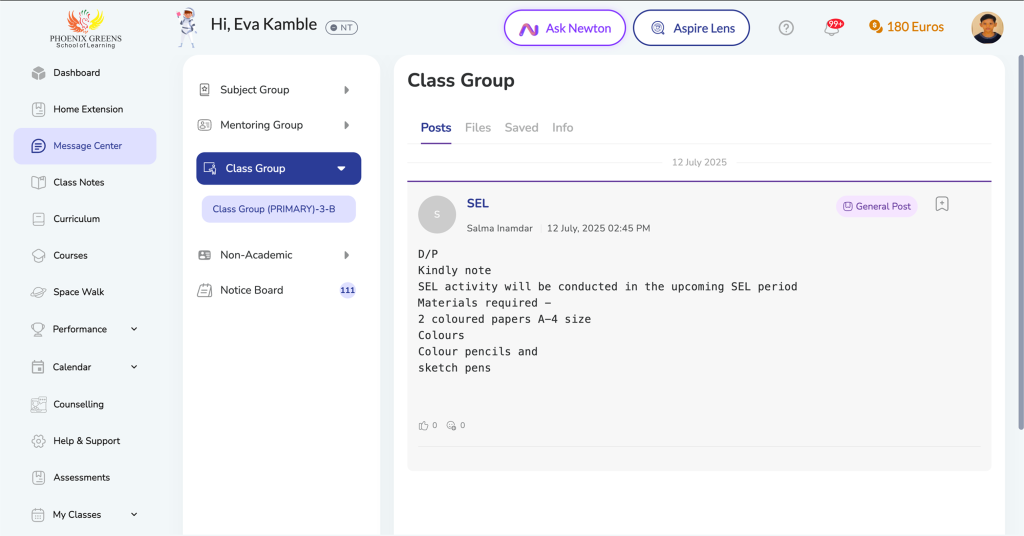
General Post is used to share non-homework updates within a group.
View Posts
Where to Access
- Message Center → Group
What You Can Do
- Read updates
- View attachments
- Comment (if enabled)
- Cannot create posts
Frequently Asked Questions
Go to Message Center → Your Group (Subject/Mentoring).
Yes, but only if the teacher has enabled comments.
You may not be part of the selected group.
Yes. Click on the attachment to view or download it.
General Post → Class-level updates Notice Board → Official announcements
