
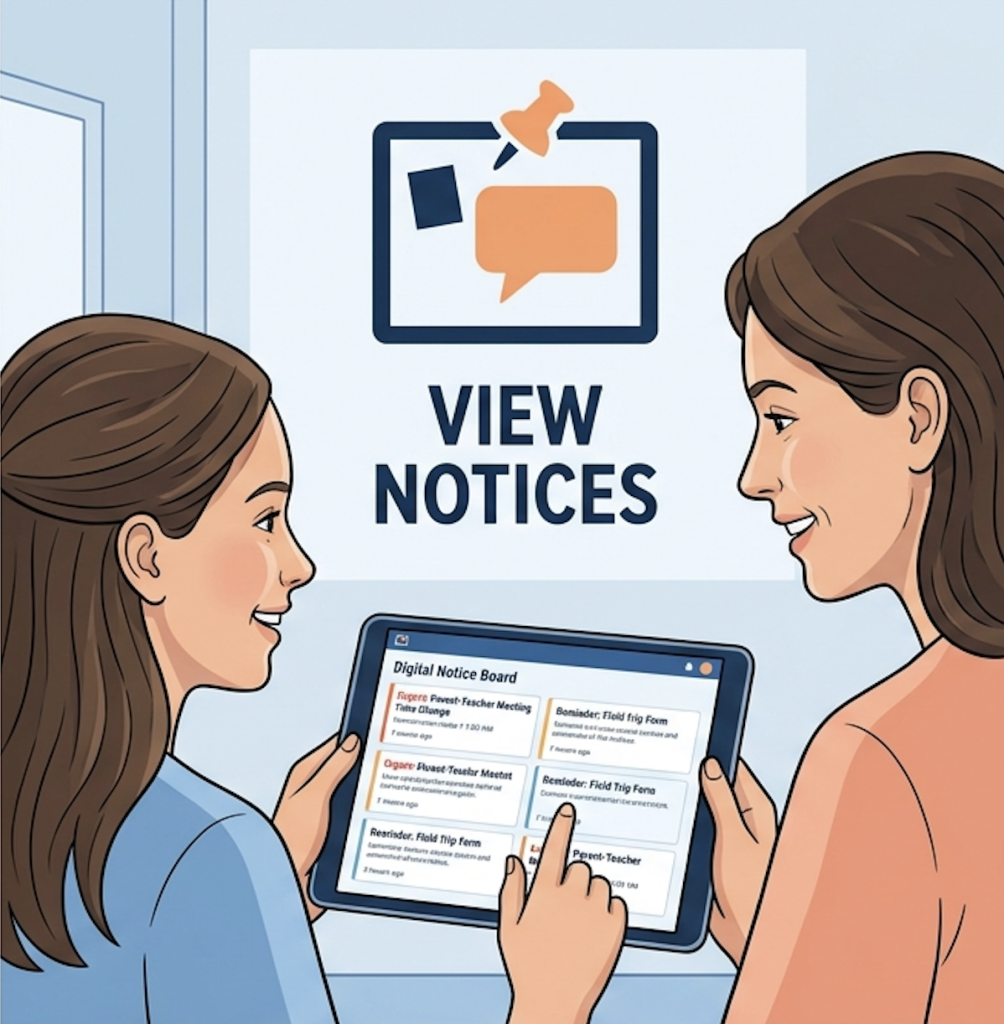
Notice Board is used to share important, official announcements with students, parents, or staff.
View Notices
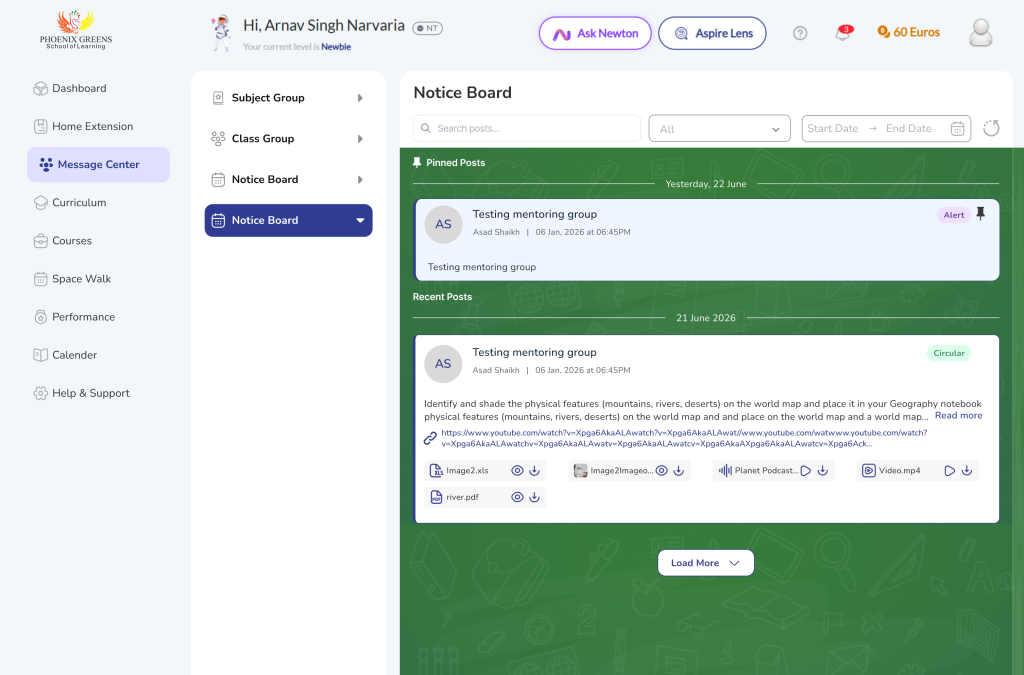
Where to Access
- Login as Student/ Parent
- Go to Message Center → Notice Board
What You’ll See
- 📌 Pinned notices (on top)
- Latest notices below
- Filters:
- Search
- Tag
- Date
Frequently Asked Questions
Go to Message Center → Notice Board.
You may not be part of the selected audience (grade/division/school).
Pinned notices are important announcements shown at the top for easy access.
No. Notices are for viewing only and do not allow interaction.
Yes. Use filters like Search, Tag, or Date to find specific notices.
